
A complete checklist of end of life documents Indiana families need organized and accessible. Covers wills, powers of attorney, advance directives, insurance, DD214s, and funeral pre-plans.

The language around death is changing. A generation ago, nearly every family held a funeral. The format was familiar: a visitation at the funeral home, a service at the church, a procession to the cemetery. Everyone knew what to expect because everyone did it the same way. Today, more families are choosing something different. They are skipping the traditional format and holding what they call a celebration of life. The phrase has become so common that many people use it without fully understanding what it means or how it differs from a traditional funeral service. If you are trying to decide between the two, or wondering whether you can combine elements of both, here is an honest comparison to help you make the choice that feels right for your family. What a Traditional Funeral Service Looks Like A traditional funeral service is a structured ceremony that follows a familiar pattern. While the details vary by faith, culture, and family preference, the basic framework has remained consistent for generations. The process usually begins with a visitation or viewing. The body is present, often in an open casket, and friends and family come to pay their respects. This may happen the evening before the funeral or in the hours leading up to the service. The visitation gives people a chance to see the deceased one last time, offer condolences to the family, and begin processing the reality of the loss. The funeral service itself is typically held at a funeral home chapel, a church, or a house of worship. It is led by a member of the clergy, a celebrant, or a family-chosen officiant. The service often includes prayers, scripture readings, hymns, a eulogy, and sometimes remarks from family members or close friends. The tone is generally solemn and reverent, though moments of warmth and even humor are not uncommon. After the service, a procession of vehicles follows the hearse to the cemetery for the committal. At the graveside, final prayers are said, and the casket is lowered into the ground. For families who choose cremation , the committal may take place at a columbarium or urn garden instead. Many families follow the committal with a reception or luncheon, where mourners gather to eat, share stories, and support one another in a less formal setting. The traditional funeral has endured for so long because it works. It provides structure during a chaotic time. It gives grief a container. And its rituals, the viewing, the procession, the burial, carry psychological weight that helps the mind accept what has happened. What a Celebration of Life Looks Like A celebration of life is a memorial gathering that focuses on honoring and remembering the person who lived rather than mourning the person who died. There is no single template for what this looks like. That flexibility is both its greatest strength and its biggest challenge. Celebrations of life are typically held after the body has already been buried or cremated. The body is usually not present, though an urn, a framed photograph, or a memorial display may serve as the focal point. The setting can be almost anywhere. A funeral home, a church, a restaurant, a park, a backyard, a community hall, a beach, a favorite bar, or the deceased person's own living room. The location is chosen based on what feels right for the person being remembered and the family doing the remembering. The format is flexible. Some celebrations of life include formal speeches and structured programs. Others are casual, open-house-style gatherings where people come and go, share food, look at photos, and tell stories. Some feature live music, video tributes, themed decorations, or activities that reflect the person's passions. A celebration of life for a fisherman might take place on a lake. A celebration for a gardener might be held in a botanical garden. A celebration for someone who loved football might include a tailgate theme. The tone tends to be lighter than a traditional funeral. Laughter is not just allowed but encouraged. The emphasis is on joy, gratitude, and the impact the person had on the people around them. Tears are still welcome, but they are not the centerpiece. At Limestone Chapel , we help families plan personalized celebrations of life that reflect the individuality of the person being honored. Whether you want something structured or casual, traditional or creative, we bring the logistics together so you can focus on the meaning. The Key Differences Understanding the core differences between these two options can help you decide which one aligns with your family's needs. Body present vs. body absent. In a traditional funeral, the body is typically present for the viewing and service. In a celebration of life, the body has usually already been cremated or buried. This is one of the most significant differences because the presence of the body changes the emotional character of the gathering. Seeing the body makes the death concrete and physical. Without it, the gathering can feel more like a party or reunion, which is exactly what some families want and exactly what others find insufficient. Structure vs. flexibility. A funeral follows a recognized format that most guests understand. A celebration of life can take any form, which means the family must create the structure from scratch. This freedom is empowering for some families and overwhelming for others. Timing. A funeral typically takes place within a few days of the death. A celebration of life can be held weeks or months later, giving the family time to plan, for distant relatives to arrange travel, and for the initial shock to subside. The delayed timing can be a practical advantage, but it also means there is no immediate communal gathering to mark the passing. Tone. Funerals tend to be more solemn and reflective. Celebrations of life tend to be more upbeat and joyful. Neither tone is right or wrong. The question is which one serves your family and honors the person who died. Religious content. Traditional funerals often include prayers, scripture, and religious rituals. Celebrations of life may or may not include religious elements. For families who are not affiliated with a particular faith, or for the deceased who was not religious, a celebration of life can feel more authentic. Cost. A celebration of life can be less expensive than a traditional funeral if it eliminates the costs of embalming, a casket, and a formal service at the funeral home. However, costs can add up quickly if the family rents a venue, hires a caterer, orders custom decorations, or produces a video tribute. The cost depends entirely on what you choose to include. What a Funeral Provides That a Celebration of Life May Not There are specific psychological and social functions that a traditional funeral performs, and families should understand what they might be giving up if they choose a celebration of life instead. Confrontation with reality. Seeing the body of someone who died is a powerful psychological experience. It forces the brain to accept what has happened. Without that confrontation, some people struggle to fully process the loss. They may feel like the person is still out there somewhere, not really gone. This is especially true for sudden or unexpected deaths. Immediate community support. A funeral held within a few days of the death brings people together at the moment when the family needs support most. The hugs, the presence of friends, the shared tears, these are the raw materials of early grief support. A celebration of life held weeks later may miss that critical window. Ritual and tradition. For families with deep religious or cultural roots, the rituals of a funeral carry meaning that a celebration of life cannot replicate. The prayers, the hymns, the order of service, the graveside committal, these rituals have been refined over centuries to serve the spiritual and emotional needs of the grieving. A defined ending. A funeral has a clear arc: visitation, service, procession, committal. Each step moves the family closer to a moment of closure. A celebration of life, particularly a casual one, can feel open-ended, like a gathering that never quite reached a meaningful conclusion. What a Celebration of Life Provides That a Funeral May Not Personalization. A celebration of life can be tailored to the person in ways that a traditional funeral cannot. If your father hated formality and loved barbecue, a backyard cookout in his honor may feel more authentic than a somber church service. The celebration of life format gives families permission to break the mold and do something that actually reflects who the person was. Accessibility. Some people are uncomfortable in funeral homes. Some are not religious. Some have had negative experiences with traditional funerals in the past. A celebration of life can be held in a setting that feels welcoming and familiar to everyone, regardless of their background or beliefs. Joy. There is something healing about laughing together while remembering someone you loved. A celebration of life creates space for that laughter in a way that a traditional funeral sometimes does not. The message shifts from "we lost someone" to "look at the life this person lived." Flexibility in timing. The weeks or months between the death and the celebration give the family time to plan something meaningful. They can gather photos, compile videos, write speeches, and arrange every detail without the pressure of a three-day turnaround. For families scattered across the country, the delayed timing also makes it easier for everyone to attend. Lower emotional barrier. For some people, the thought of attending a funeral is deeply intimidating. The formality, the body, the tears, it can feel like too much. A celebration of life lowers that barrier. The casual setting and lighter tone make it easier for acquaintances, coworkers, and distant friends to show up and pay their respects. You Do Not Have to Choose One or the Other This is the part many families do not realize: you can do both. A traditional funeral and a celebration of life are not mutually exclusive. Many families in Bedford and the surrounding communities are choosing a blended approach that includes elements of each. One common arrangement is to hold a small, private funeral with immediate family, including a viewing and a graveside committal, and then hold a larger, public celebration of life a few weeks later for the broader community. Another approach is to hold a single service that combines the structure and ritual of a funeral with the personalization and warmth of a celebration. The service might open with a prayer and a hymn, transition into personal tributes and stories, include a video montage, and close with a graveside committal followed by a casual reception. At Limestone Chapel, we specialize in helping families design services that blend tradition and personalization in whatever proportion feels right. You do not have to fit into a category. You just have to tell us what matters to you. How to Decide Here are some questions that can help guide your decision. What did the deceased want? If they expressed a preference, honor it. If they told you they wanted a big party instead of a funeral, a celebration of life is the clear choice. If they valued their faith and wanted a religious service, a traditional funeral is more appropriate. If you are pre-planning for yourself, make your wishes known so your family does not have to guess. Does the family need to see the body? If any family member feels strongly about a final viewing, build that into the plan. This can be a private viewing before a cremation and celebration of life, or a traditional open-casket visitation before a funeral. How important is community support right now? If the family needs the immediate presence of friends and neighbors, a funeral held within days of the death provides that. If the family prefers to grieve privately first and gather later, a celebration of life offers that flexibility. What is the budget? Be realistic about what you can afford, and remember that a meaningful service does not require the most expensive option. A simple burial followed by a potluck at the church can be just as meaningful as an elaborate event at a rented venue. What would the deceased have wanted the mood to be? Some people want their funeral to be reflective and reverent. Others want their send-off to be a party. Think about the person, not the convention. There Is No Wrong Answer The only wrong choice is one that leaves the family feeling like they did not honor the person they lost. Everything else is a matter of preference, tradition, and circumstance. At Limestone Chapel , we have helped families plan traditional funerals, casual celebrations, blended services, and everything in between. We bring the same care, attention, and honesty to every type of service, because every life deserves to be honored in a way that feels true. If you are trying to decide what kind of service is right for your family, or if you want to explore your options, contact us at (812) 675-0046. We will listen, answer your questions, and help you find the right path forward. No pressure, no judgment, just honest guidance from a family that cares.

Cremation jewelry holds a small amount of cremated remains in a wearable piece. Learn about the types available, how they work, what to look for, and why this option is growing fast.
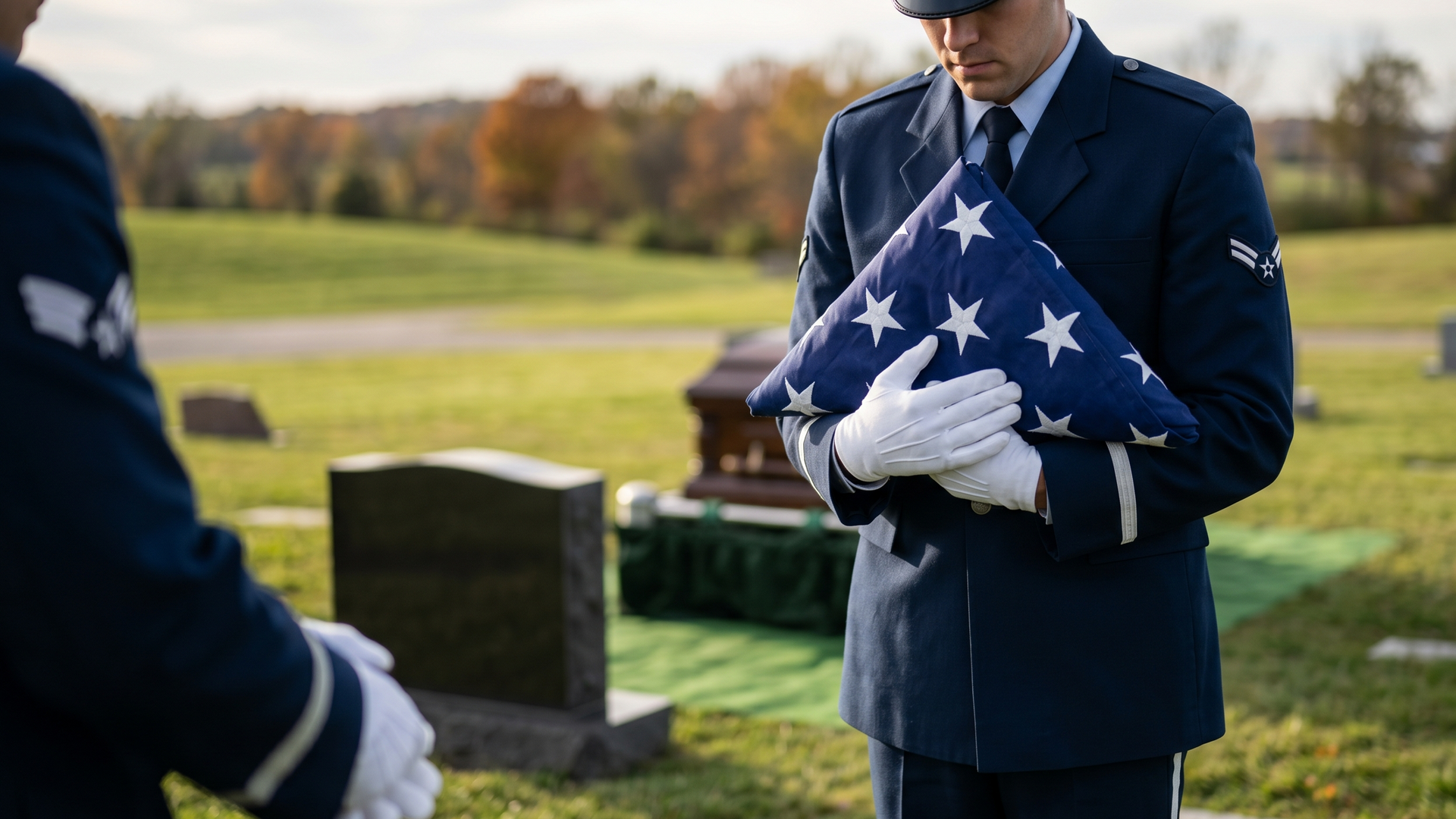
A complete guide to military funeral honors in Indiana. Learn who qualifies, what standard and full honors include, how to request them, and how to plan ahead for a veteran's service.

The five stages of grief were never meant to be a roadmap. Learn why the model fails, what modern research says about how grief actually works, and how to support someone who is grieving.

Many life insurance policies fall short of actual funeral costs. Learn how to check your coverage, close the gap, and make sure your family is not left with unexpected expenses.
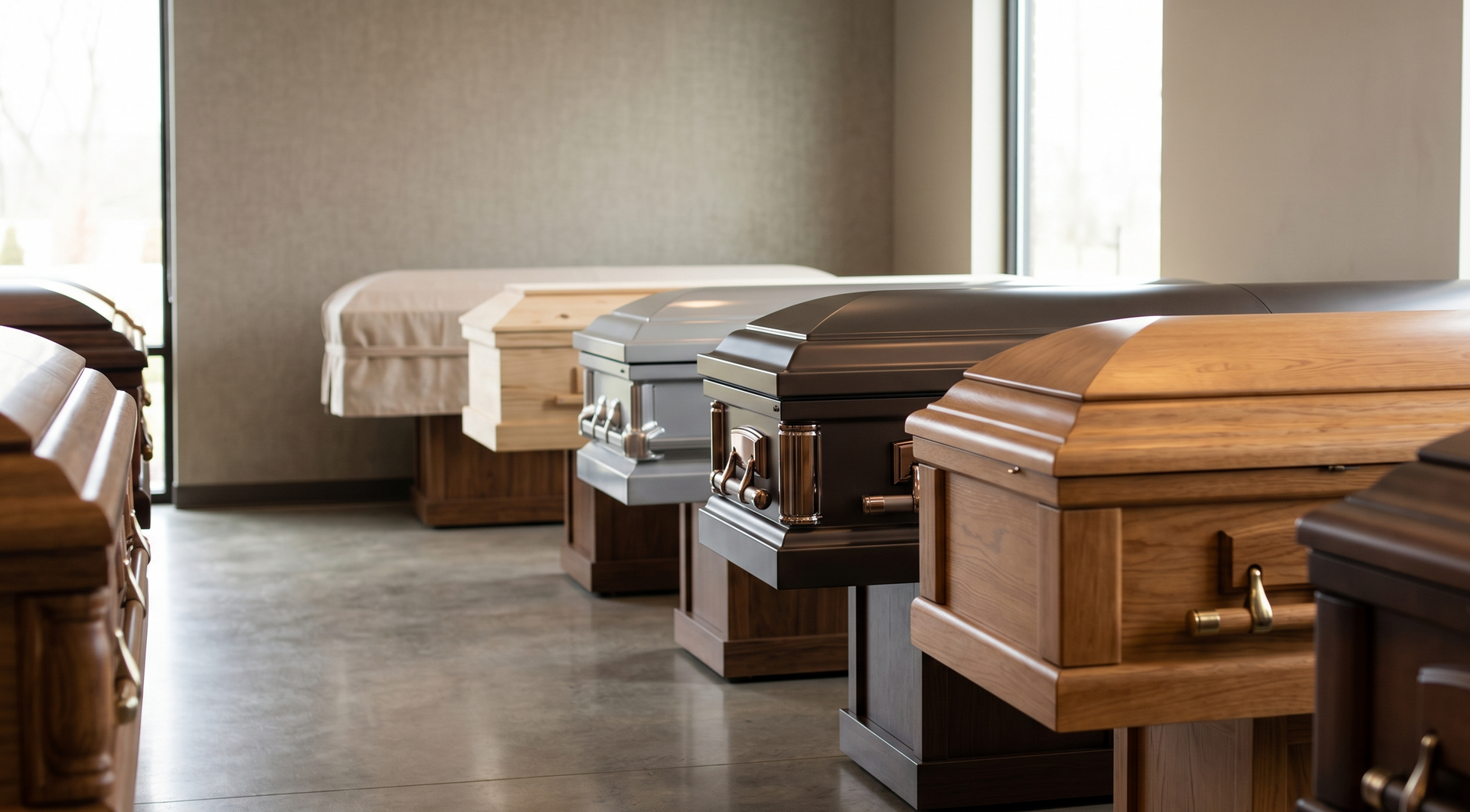
A casket can cost thousands, and the pressure to overspend is real. Learn about materials, markups, your FTC rights, and how to choose a casket that fits your budget and values.

Compare direct cremation and traditional cremation side by side. Learn the cost differences, what each option includes and misses, and how to choose the right fit for your family.

Learn how to write an obituary that goes beyond names and dates. Practical tips on storytelling, structure, what to include, where to publish, and how to make it personal and real.

A funeral director does far more than stand at the back of a room. Learn what the job really involves, from midnight calls and body preparation to paperwork, coordination, and emotional care.